Services

Software & OS Installations
Free Microsoft Office and Windows installations for students, faculty, and staff.

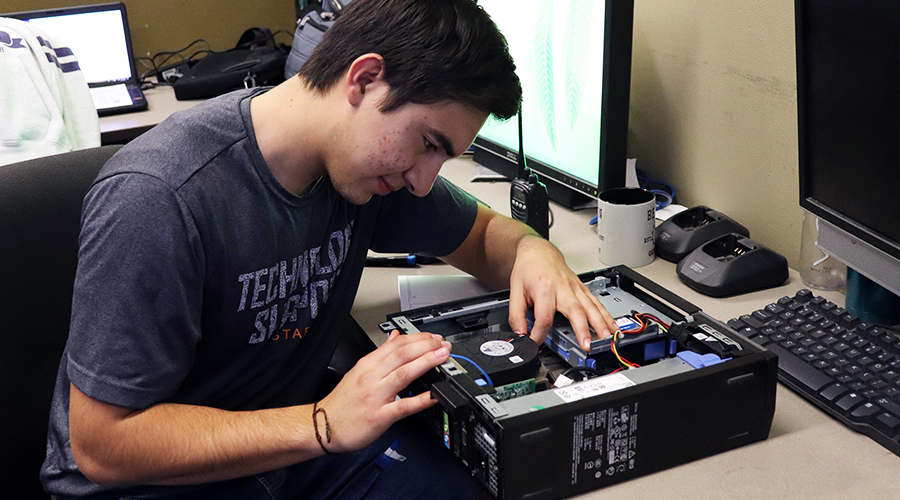
Hardware & Diagnostics Installs
Diagnose and troubleshoot computer hardware issues. Free installation of hard drives and memory modules purchased by students, staff and faculty members.

Virus & Malware Removal
Perform a thorough scan for Viruses and/or Malware on your computer. Install and activate free antivirus software. Install the latest software updates.
Before dropping off your computer
- Back up your files and critical data
- If the operating system is to be reinstalled, all data will be erased from the computer. Customers need to provide the appropiate license keys.
- The computer must turn on to be accepted.
- Laptops are accompanied by an AC adapter.
- Desktops only require the tower to be brought in.
- Customers are responsible for the security in their product keys and licenses. They are not maintained at the Computer Clinic.
- Customers are encouraged to change their passwords once their computers have been serviced and returned to them.
Customers are required to complete a Release of Liability form prior to having computers serviced.
Once the service is completed, customers will receive an email notification along with a Customer Satisfaction Survey.