
MinerAlert
MinerAlert
Last updated Sep, 2026
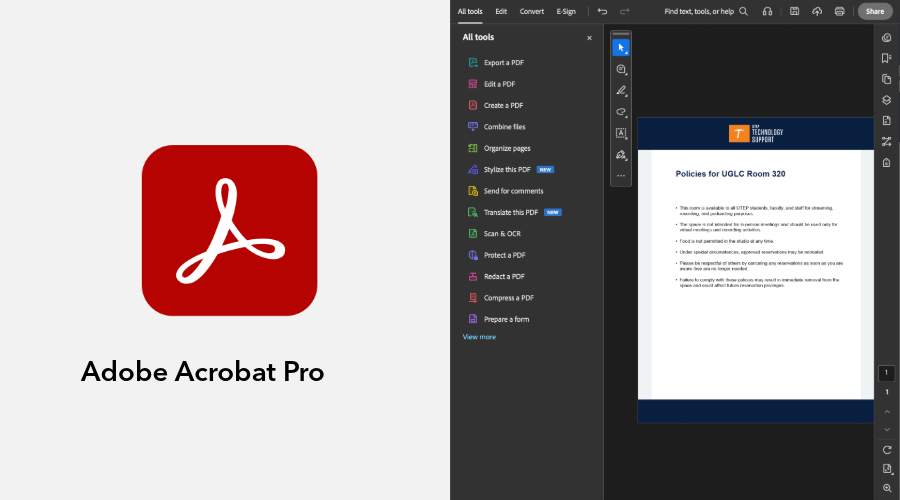
Adobe Acrobat Pro is an all-in-one PDF solution available only for faculty and staff. It allows users to create, edit, convert, and organize documents while preserving formatting. Acrobat also includes features for accessibility checks, structured forms, and secure document sharing to support collaboration and review.
In addition, users have access to Adobe Express tools for designing flyers, graphics, and other visual content, helping them create clear and professional materials.
Step 1: Click Activate Adobe Acrobat Pro to begin the activation process.
Step 2: Enter your UTEP email address and select Continue. If prompted, select Company or School Account.
Step 3: Sign in using your UTEP password.
Step 4: If prompted, select UTEP Administrative.
Step 5: Click download Adobe Acrobat Pro.
Step 6: Open the downloaded file, double-click on setup.exe to begin the installation, and select Yes if prompted to allow the app to make changes to your device.
Step 7: Follow the on-screen instructions to finish the installation.
Step 8: Once installation is complete, launch Adobe Acrobat Pro and sign in with your UTEP account if prompted.
Improving Digital Accessibility: Learn how to identify and resolve accessibility issues in documents using Adobe Acrobat Pro.
If you have any questions or need further assistance, contact us at UTEP Technology Support.
UTEP Library Room 300
ts.utep.edu
915-747-4357