
MinerAlert
MinerAlert
Last updated Sep, 2026
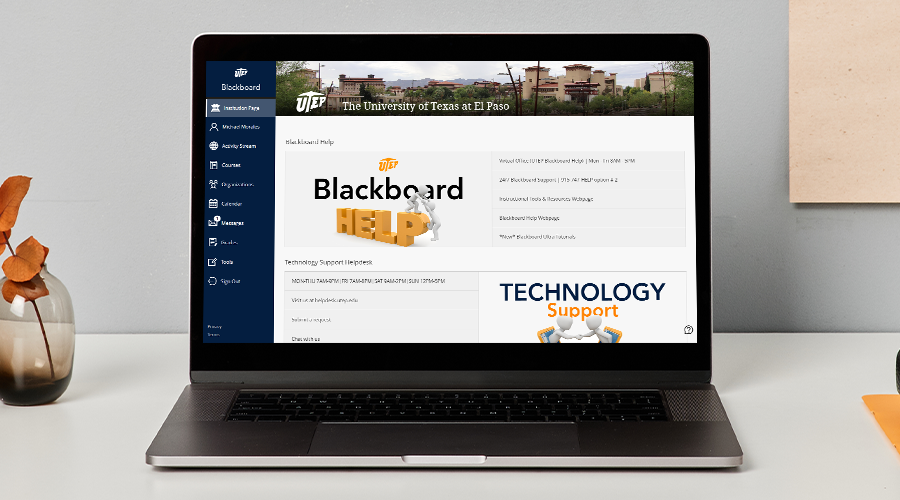
Blackboard is an online platform that allows instructors to communicate with students, upload course materials, deliver assessments, evaluate student performance, and streamline student access to connected third-party tools and publisher content. It can be used to teach fully online, hybrid, or supplement face-to-face courses. Watch our short tutorial to learn how to access Blackboard.
Log in to Blackboard at my.utep.edu
Helpful Links:
How to access Blackboard (Video)
Access Blackboard Ultra Tutorials (Webpage)
Please remember that lectures and materials for students must be ADA accessible, including documents and subtitles for videos. See the “Make your course inclusive” section of this page for more info.
Course Essentials
Communicate with students
Lectures & Course Materials
Student Engagement
Assessment
Grading
Course Essentials
Lectures
Assessment
Evaluation & Performance
If you have any questions or need further assistance, contact us at UTEP Technology Support.
UTEP Library Room 300
Submit Support Ticket
ts.utep.edu
915-747-4357
UTEP Blackboard Virtual Office
| System status links |
|---|
| Blackboard Status * |
| iClicker Status |
| YuJa Status |
| Zoom Status |
*UTEP's instance of Blackboard is Learn - SaaS Deployment for Blackboard Learn Americas. Other Blackboard product statuses include SafeAssign and Blackboard Mobile Services.
| Product release links |
|---|
| Blackboard Ultra Course View |
| YuJa Video Management |
Note: Some releases have not been enabled at UTEP. Email helpdesk@utep.edu if you would like to inquire more about a specific release.
UTEP Library Room 300 | ts.utep.edu | 915-747-4357 (HELP)