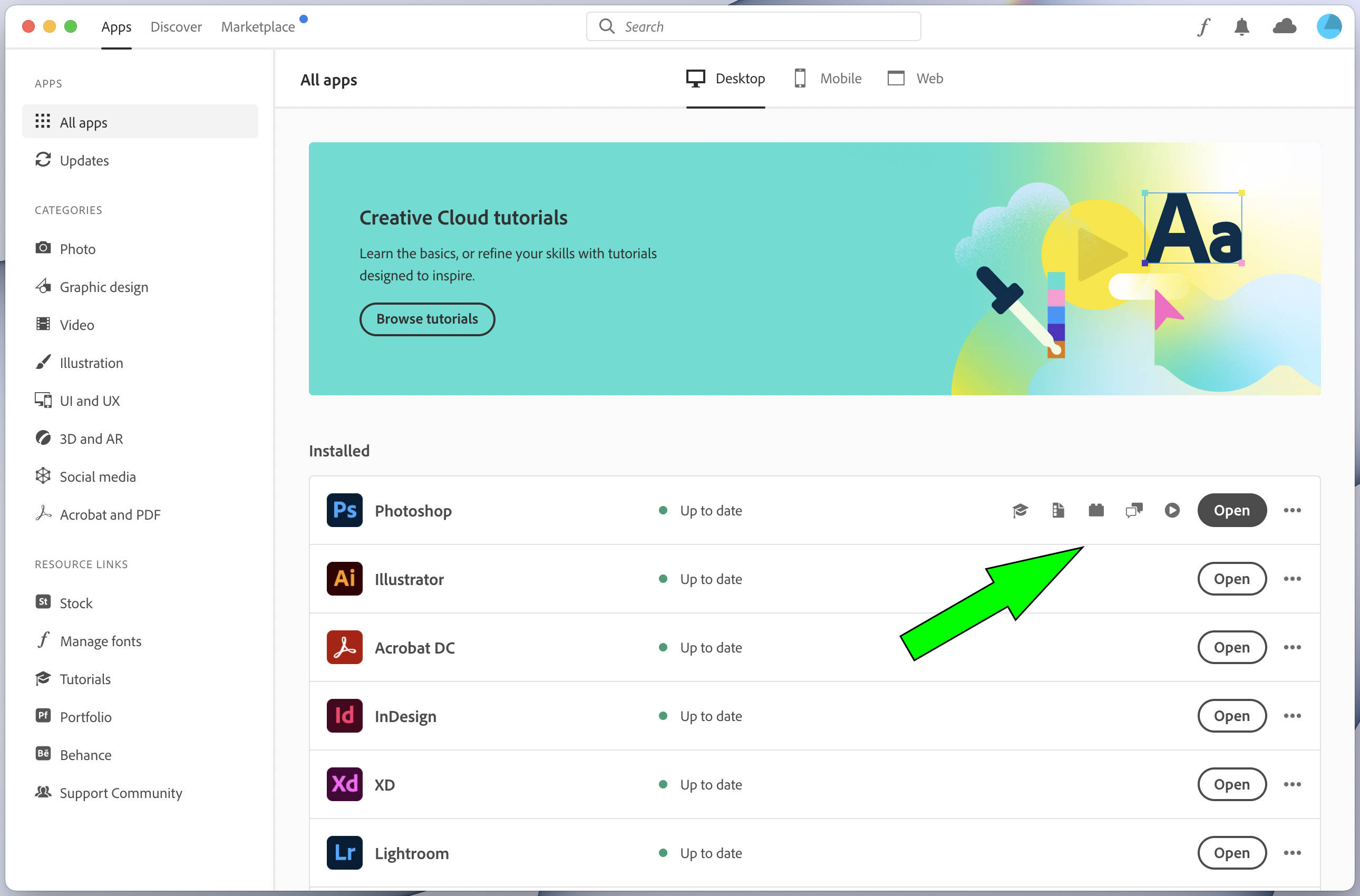
Launching Adobe apps from Creative Cloud
How to more efficiently launch Adobe apps from a Creative Cloud device license:
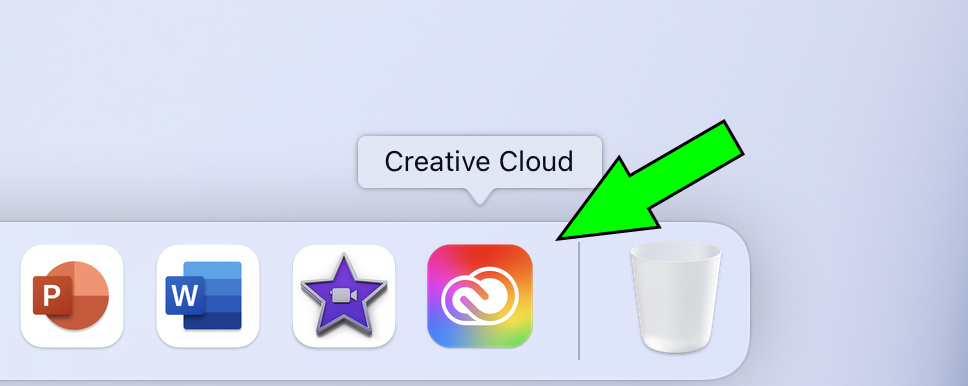
1. Launch the Adobe Creative Cloud app from the Dock or Applications:
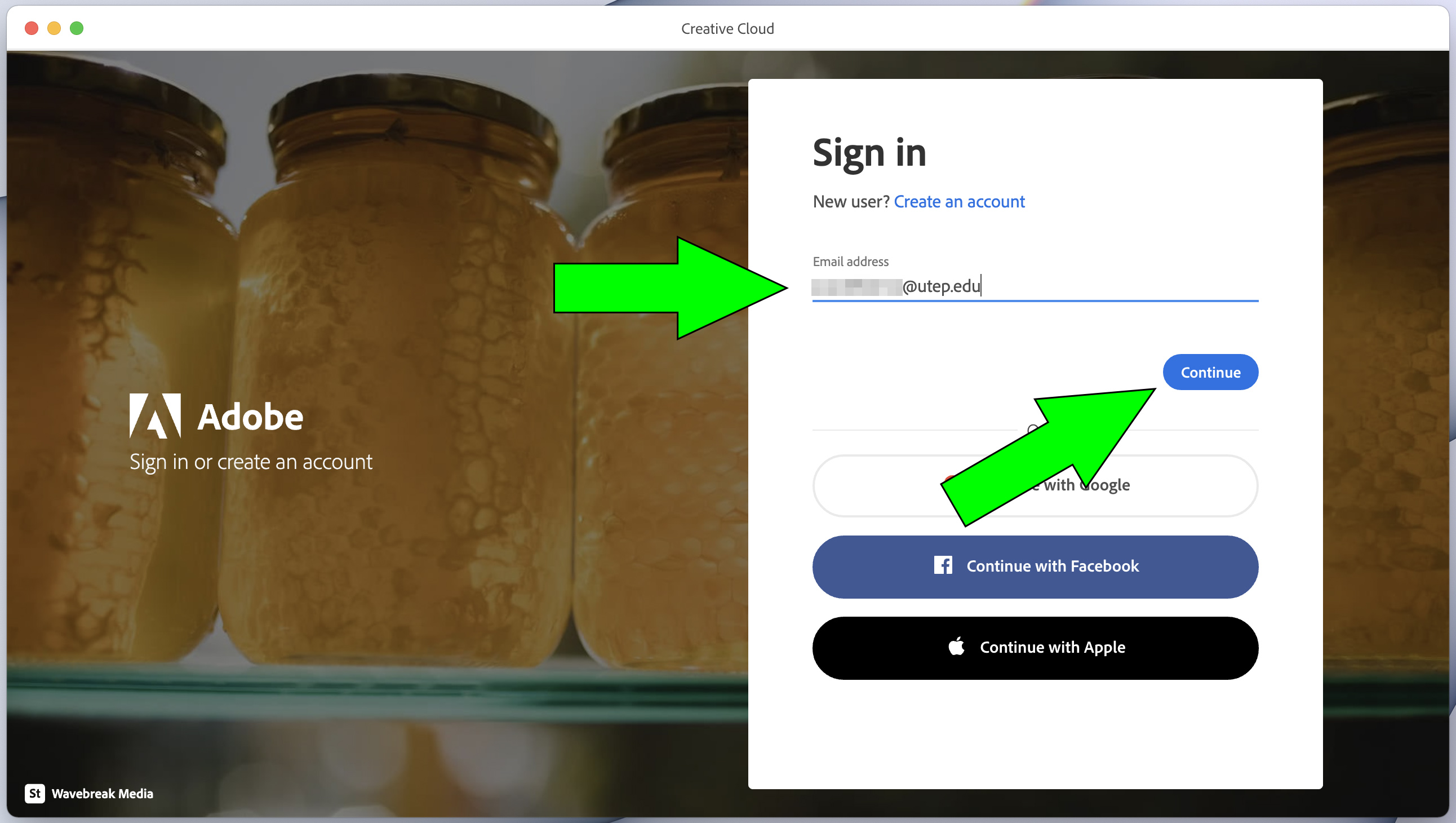
2. Enter your full UTEP email address (@utep or @miners) and click the blue Continue button:
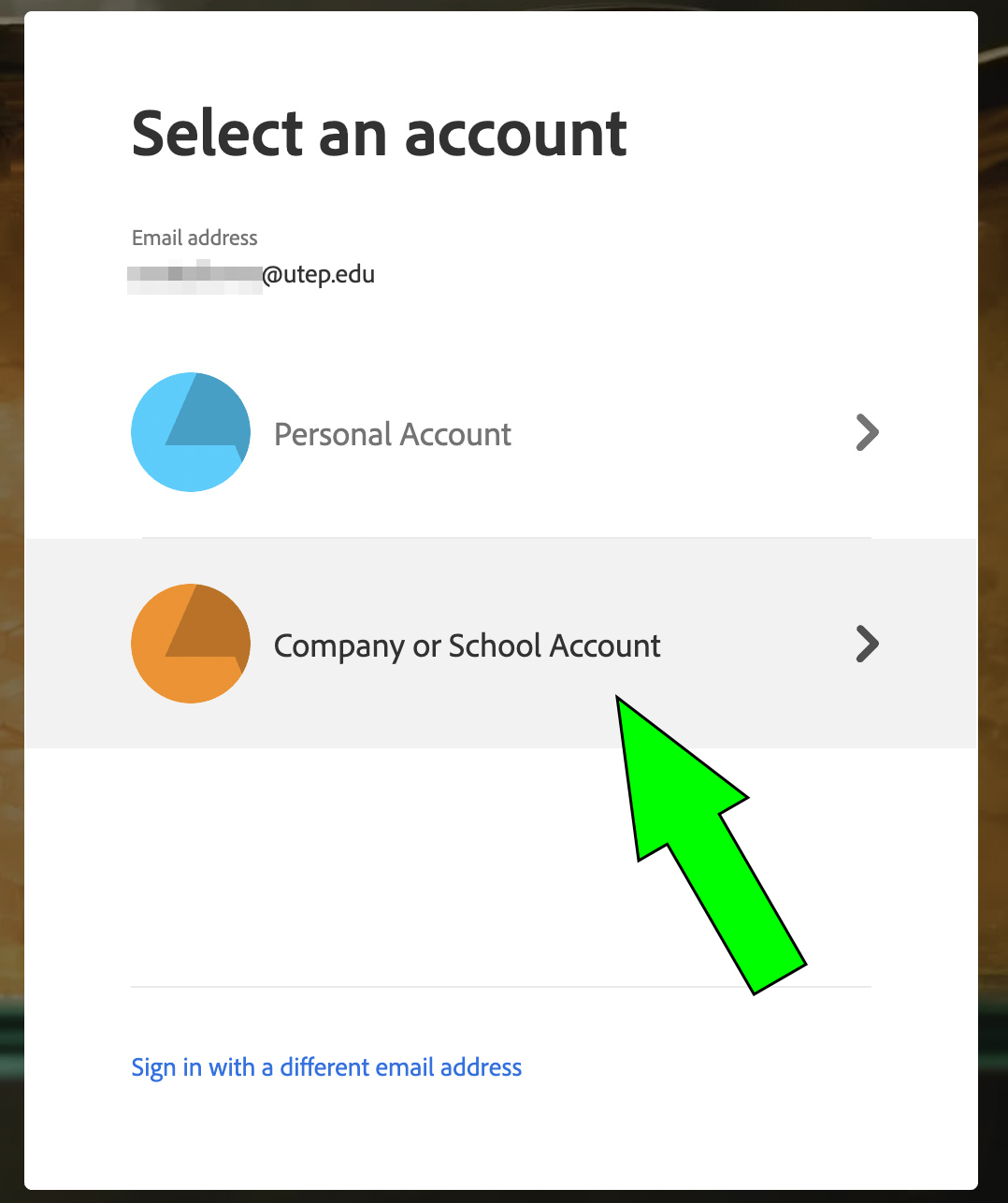
3. If prompted, click on the "Company or School Account" option to continue:
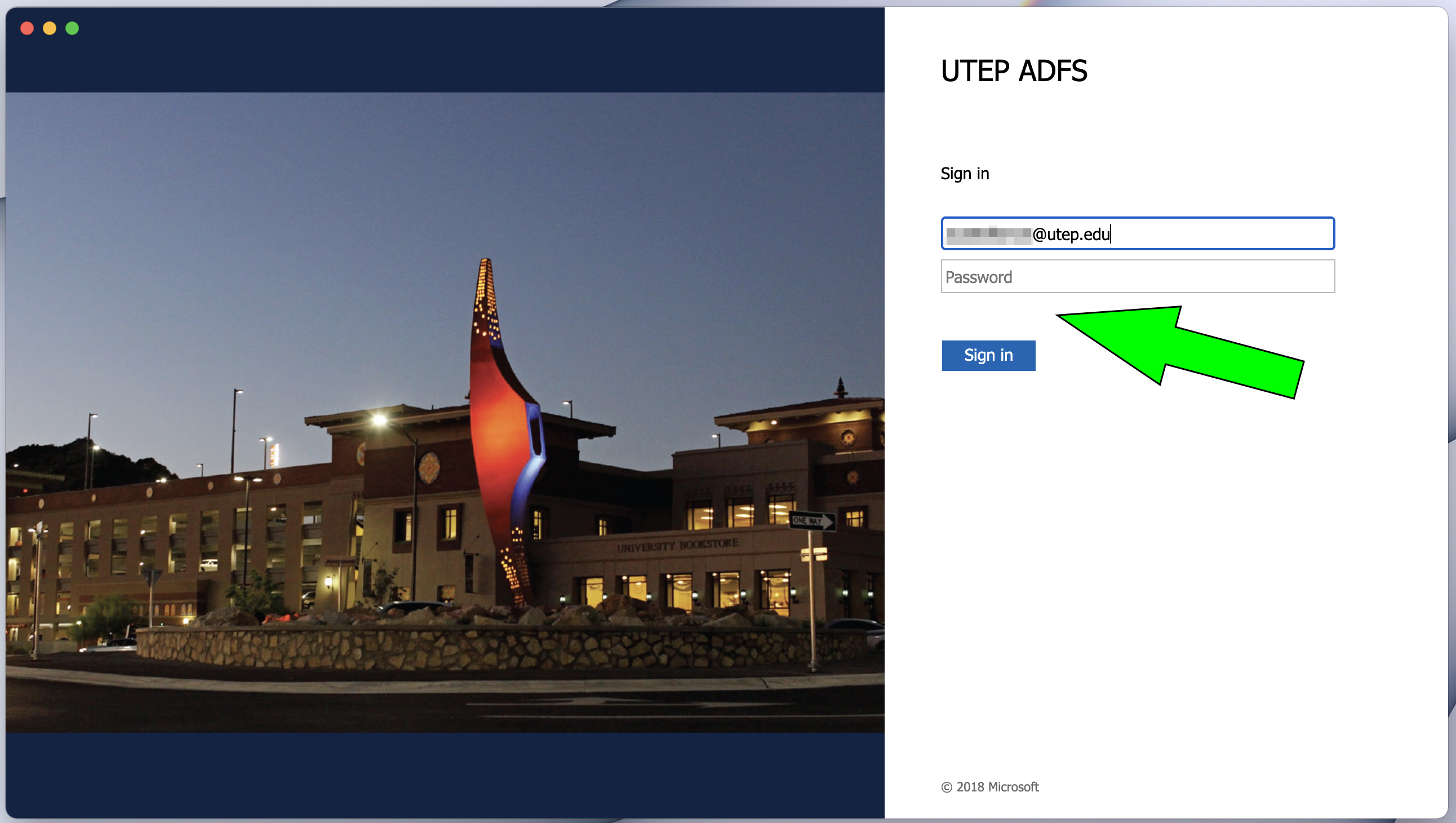
4. If needed, enter your email address again. Enter your password and click on the blue "Sign in" button to continue:
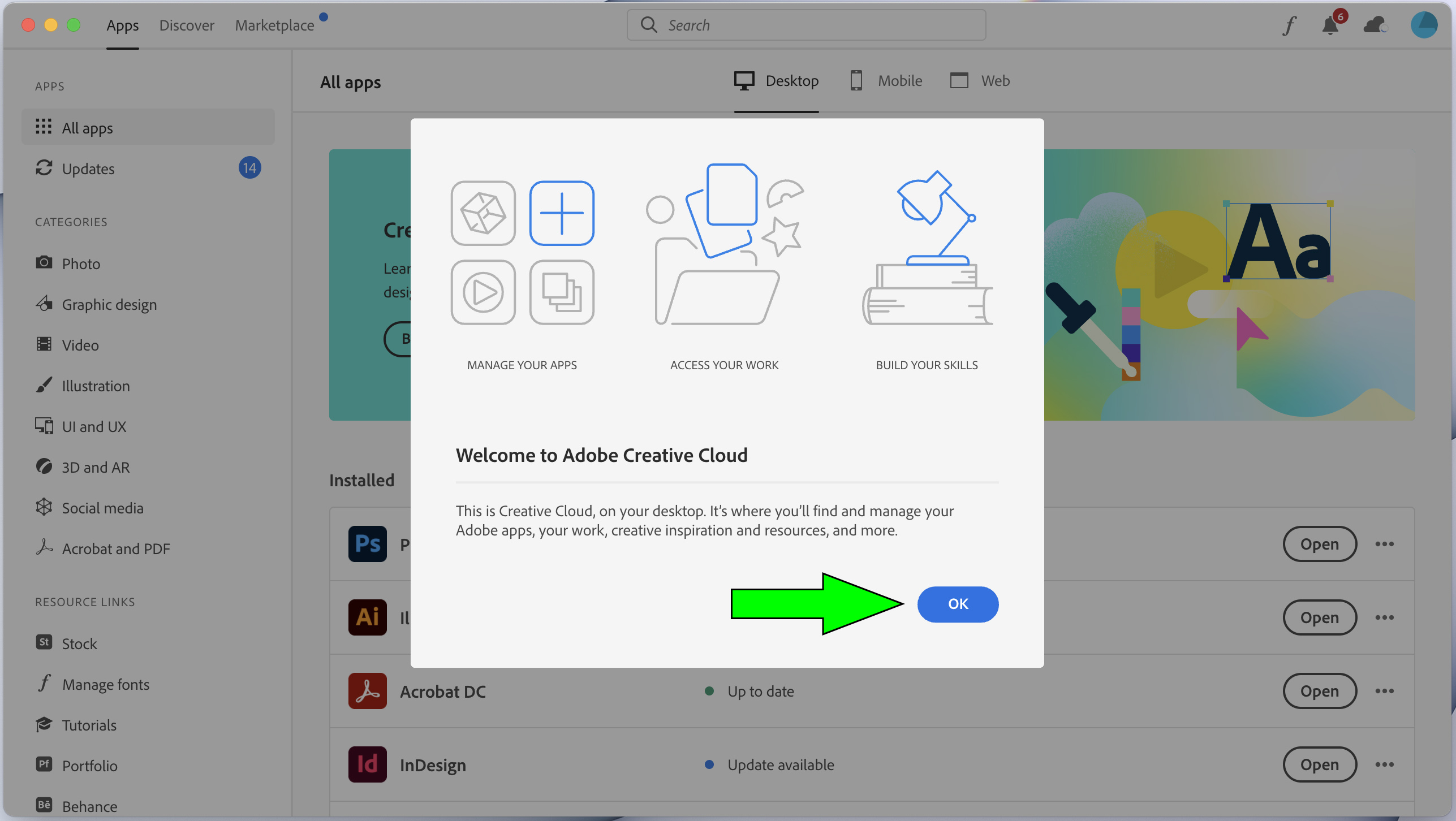
5. Once you have been authenticated, dismiss the "Welcome to Adobe Creative Cloud" window by clicking on the blue OK button:
6. You can then launch your desired App by clicking on its corresponding "Open" button:
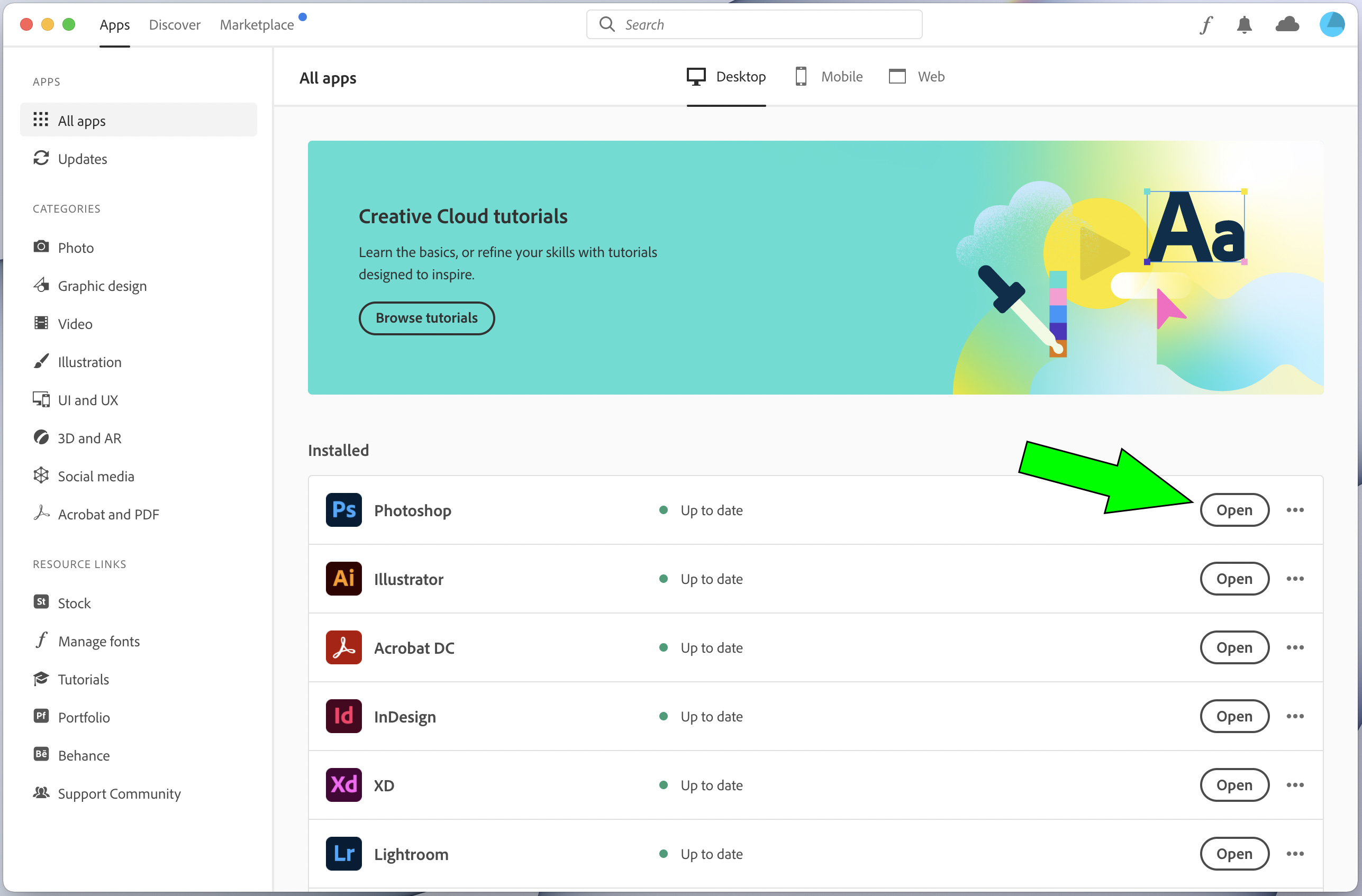
6b. Alternatively, you can also access additional materials such as Tutorials, Templates, etc. via the accompanying icons: