
Assistive Technology & Resources

What is Assistive Technology?

Assistive technology (AT) refers to any item, piece of equipment, software, or system that is used to increase, maintain, or improve the functional capabilities of individuals with disabilities. These tools are designed to support access to learning, communication, mobility, and daily living tasks—empowering students to participate fully in their educational experience.

Examples of assistive technology include:
  • Screen readers and text-to-speech software
  • Adaptive Furniture
  • Audiobooks and accessible digital formats
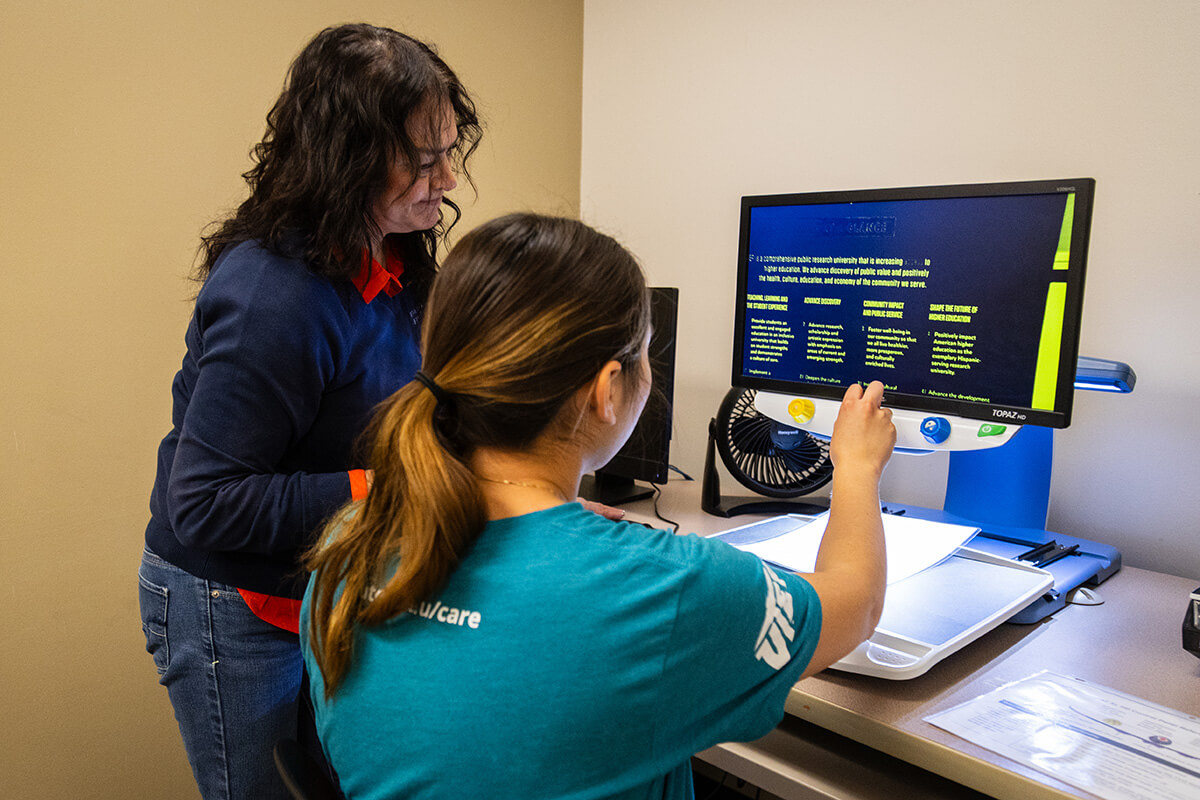
  • Magnification tools
  • Notetaking Tools
Student using scanner

Alternative Course Materials

CASS provides textbooks and course readings in alternative formats for students with disabilities.

Available Alternative Formats

  • Digital Textbooks / Accessible PDFs
  • Audiobooks (MP3 format)
  • Screen Reader-Compatible Files (e.g., accessible PDFs or Word documents)
  • Large Print Materials

How to Request Alternative Format Materials

 All requests must be submitted through the AIM portal. As soon as you have your book and article information for the semester, submit your request to allow for timely processing.

Tip: If you’re unsure which books are required, please reach out to your professors as early as possible.

Step-by-Step Guide: Submitting a Request on AIM

Part 1: Accommodations & Copyright

  1. Log in to the AIM portal and request accommodations for the correct semester.
  2. Complete the copyright agreement on your dashboard.

Part 2: Set Your Format Preferences

  1. Click on the “Alternative Formats” link in the left-hand menu.
  2. Confirm the correct semester is selected.
  3. Choose your preferred format (e.g., Accessible PDF, Word Doc, MP3 Audio) under “Update Preferences.”

Part 3: Upload Proof of Purchase

  1. Scan or take a photo of your book receipt.
  2. Under the “Alternative Formats” section, upload the receipt:
    • Select the course.
    • Add any relevant notes.
    • Click “Upload Receipt.”

Part 4: Submit Book or Article Details

  1. Scroll to “Additional Book or Reading Materials.”
  2. Complete the form:
    • Books: Title, author, ISBN.
    • Articles: Title and upload the document.
    • Choose your preferred format (Audio, PDF, Word).
  3. Click “Submit Request.”

Questions or Need Help?

Office Hours: M–F, 8 AM–5 PM

Location: Union Building East, Room 106

E-Mail: cass@utep.edu

Phone: 915-747-5148